Merlin’s weekly podcast with Dan Benjamin. We talk about creativity, independence, and making things you love.
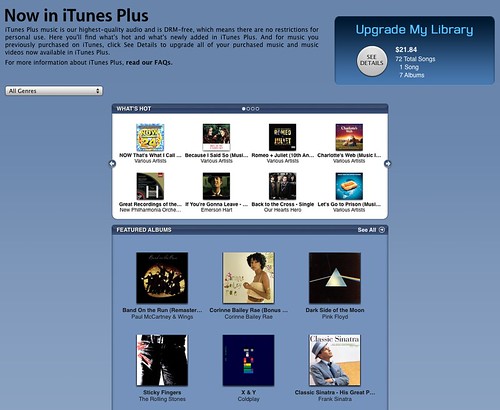
iTunes Plus, DRM-free tracks, arrive on iTunes Store
Merlin Mann | May 30 2007
iTunes Plus (iTunes link)
For help getting set up with "iTunes Plus" (giving you access to buying/upgrading EMI's DRM-free tracks), don't miss this handy helper from MacUser.
POSTED IN:
About Merlin Bio Merlin Mann is an independent writer, speaker, and broadcaster. He’s best known for being the guy who created the website you’re reading right now. He lives in San Francisco, does lots of public speaking, and helps make cool things like You Look Nice Today, Back to Work, and Kung Fu Grippe. Also? He’s writing this book, he lives with this face, he suffers from this hair, he answers these questions, and he’s had this life. So far. Merlin’s favorite thing he’s written in the past few years is an essay entitled, “Cranking.”
|
|


| EXPLORE 43Folders | THE GOOD STUFF |


