Merlin’s weekly podcast with Dan Benjamin. We talk about creativity, independence, and making things you love.
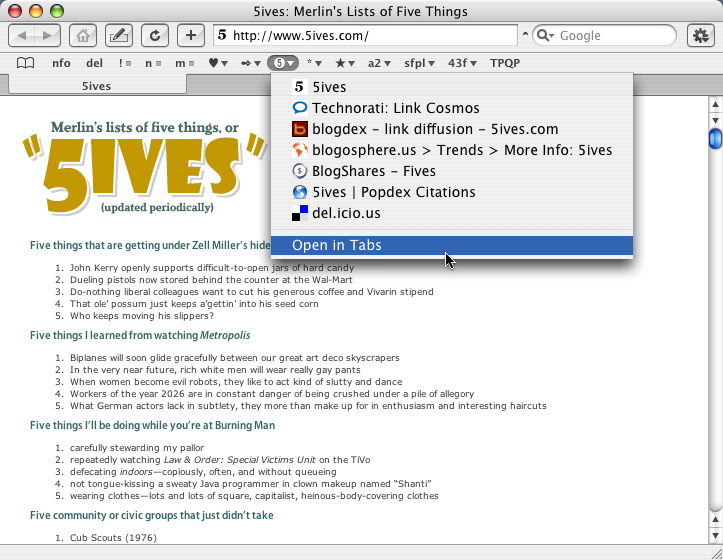
Icons for Safari favorites
Merlin Mann | Sep 4 2004
You probably already know to rename and shorten the buttons to conserve space, but, by pulling up the “Show Special Characters” menu, you can also drop in Symbols and Zapf Dingbats to use like little icons. If there’s an image that suits a given bookmark or folder, you can use just that single character and free up precious screen real estate for even more bookmarks. Plus it looks kind of cool. 12 Comments
POSTED IN:
 Thanks for the tip! ...Submitted by Scott Johnson (not verified) on September 11, 2004 - 8:08am.
Thanks for the tip! I don't like the aluminum stuff much either, so I'm glad to know there's a way to get rid of it. My Mac is soon to be completely without that aluminum crap. Panther's new finder is really nice, but it sure is ugly! » POSTED IN:
|
|

| EXPLORE 43Folders | THE GOOD STUFF |


